Playground User Experience
Current Noozroom Pro Workflow
NoozRoom Pro Playground:
- Plugin is installed and activated.
- 3 press releases, 1 news coverage & 2 events created.
- Media Library is pre-populated with 1 Forbes logo.
- News page is not automatically created
- The first page you see is the General Settings
I think we’re starting users on the wrong page and in the wrong workflow appropriate for initial testing. Currently, in NoozRoom Pro you land on the General Settings page but we don’t need potential customers worrying about changing or setting anything up yet. We just want them to test how easy it is to create a Press Release, News Coverage or Event. They can worry about settings after.
I also think we should have the News page created automatically and pre-populated with at least 3 of each post type (so the layout and sizing of the cards looks optimal in a theme). Also to minimize risk that the user will miss the “Create News Page” prompt and then create a Press Release or Coverage and not know how to view it on the News page that hasn’t been created. If the News page isn’t already created, it’s confusing to have the post types created but no way to look at them without adding a shortcode or going back and creating the News page.
SUGGESTION
After activation, how about going to a landing page with only 3 choices:
- Add a Press Release
- Add News Coverage
- Add an Event
You can also explain on this page how to view the content on the News page after publishing.
SUGGESTION
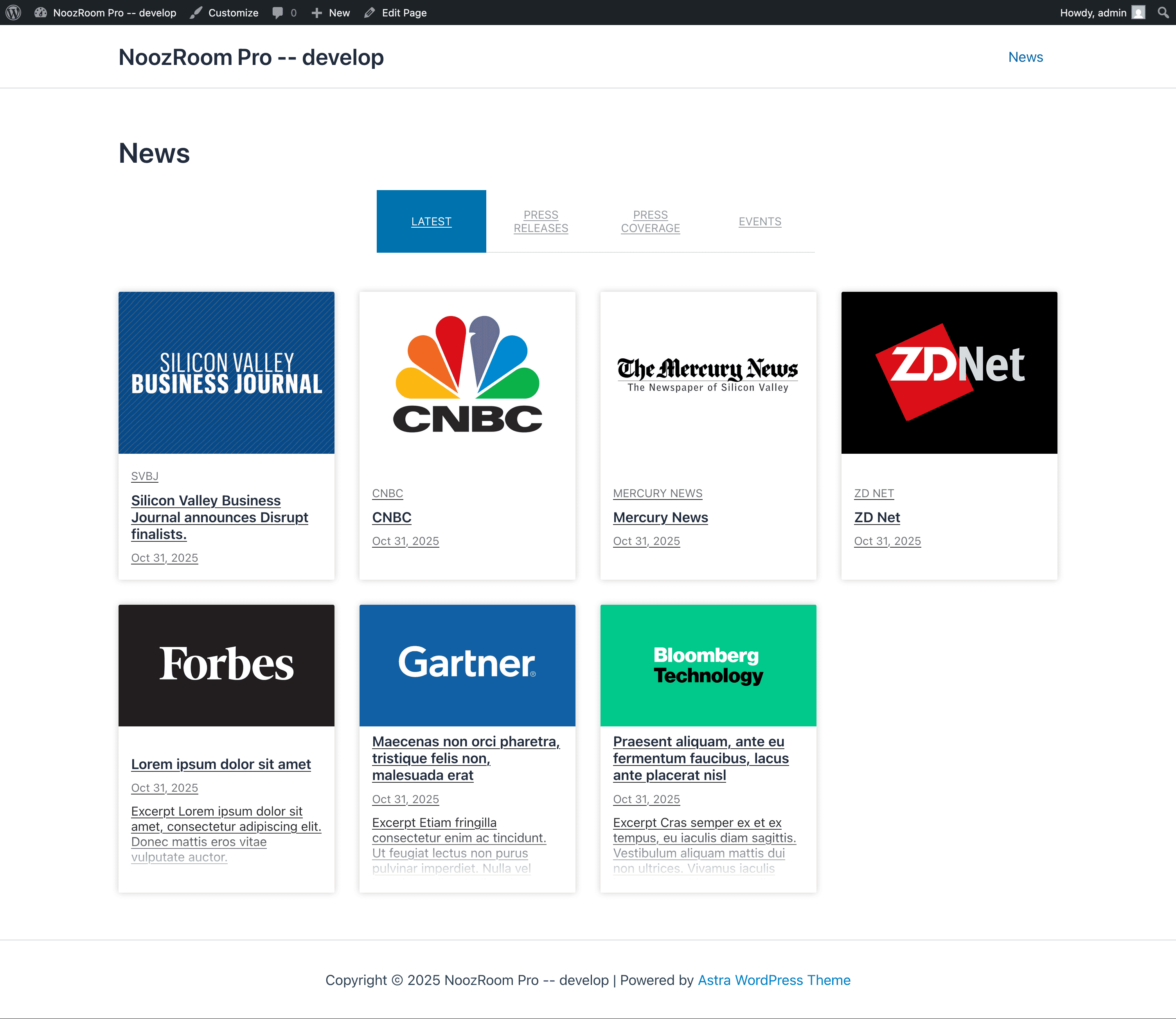
Use the Astra theme. Clean, four-column layout. Makes NoozRoom look good. One potential issue…in the footer, “Powered “by Astra Wordpress Theme” may make people think you need to use Astra.
Here’s an example of the “Latest” view in NoozRoom using the Astra theme:
SUGGESTION
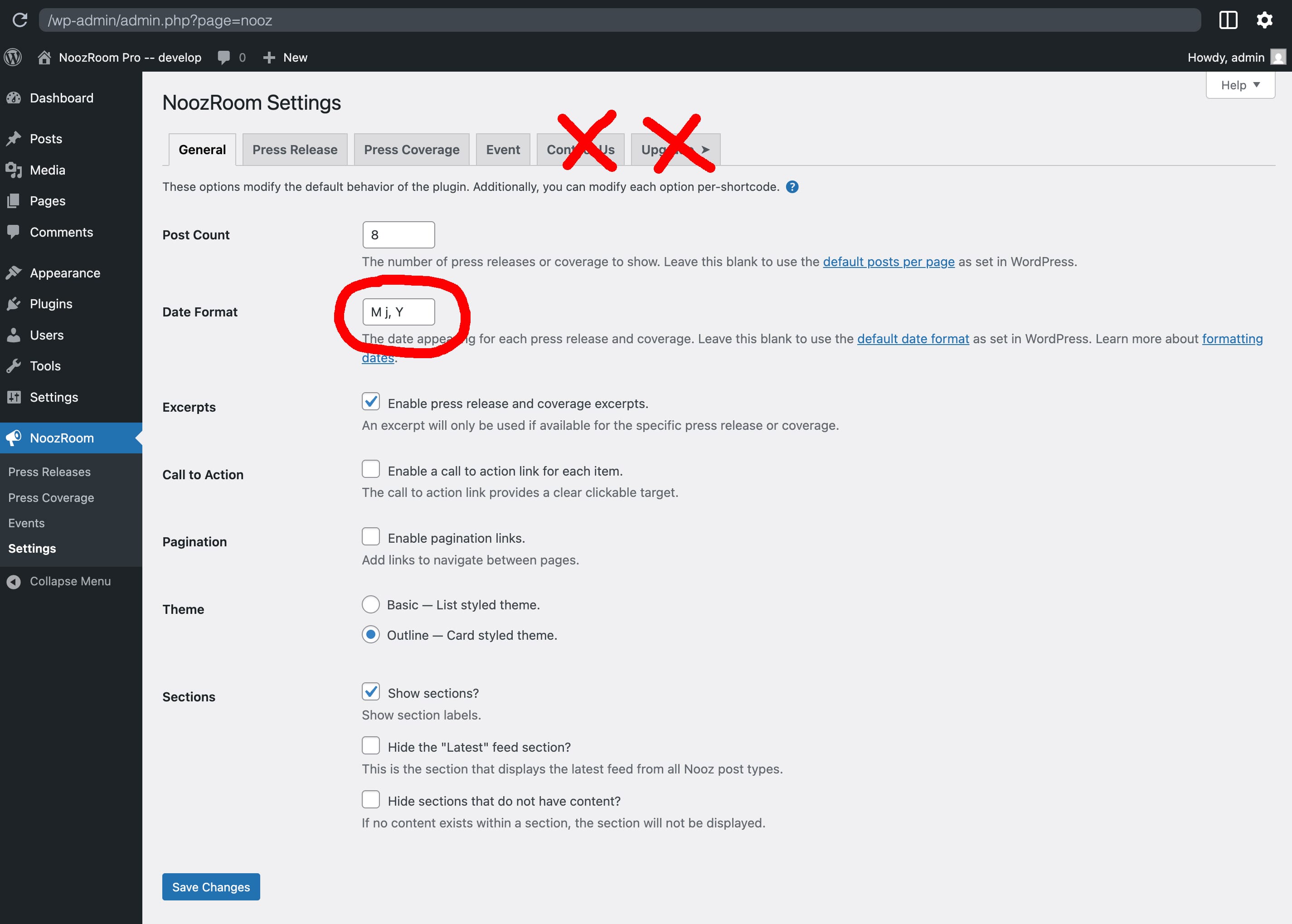
Remove the "Contact Us" and "Upgrade" tabs on the settings page. Also, the date format is inconsistent with the same field on the Press Release settings page in the next tab. The first letter is "M" which is not part of the Wordpress date formatting scheme. It should start with "F" for full month name. Another questions, why do we have date formatting on the General Settings page and also on the Press Release page and not on any of the other tabs? Does one overwrite the other on those two pages? Do we need it in two places or just on the General Settings page?
OBSERVATIONS
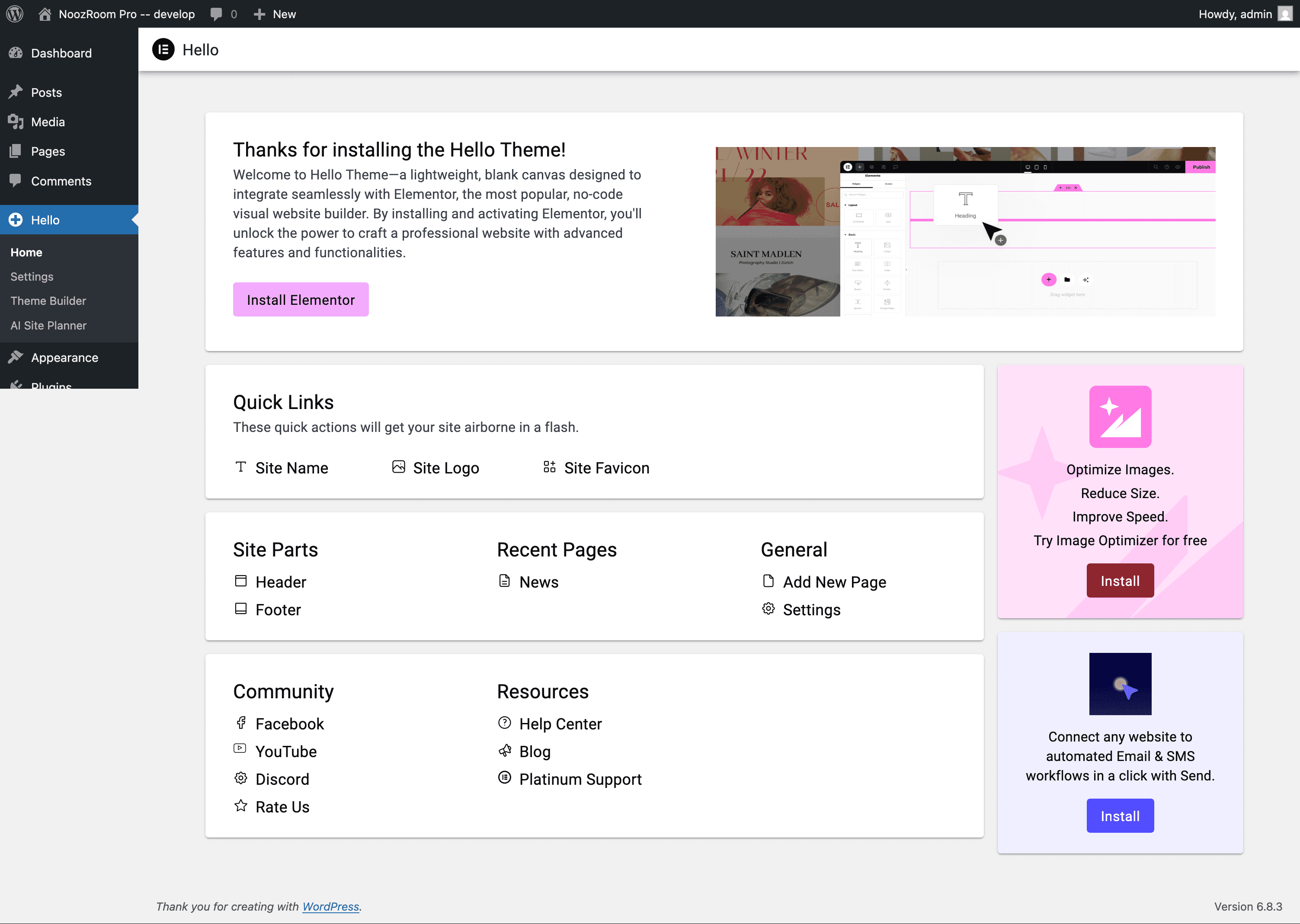
Hello (Elementor) theme installs this as a guide with direct links to the the appropriate area in the Wordpress interface or external url’s to explanatory pages:
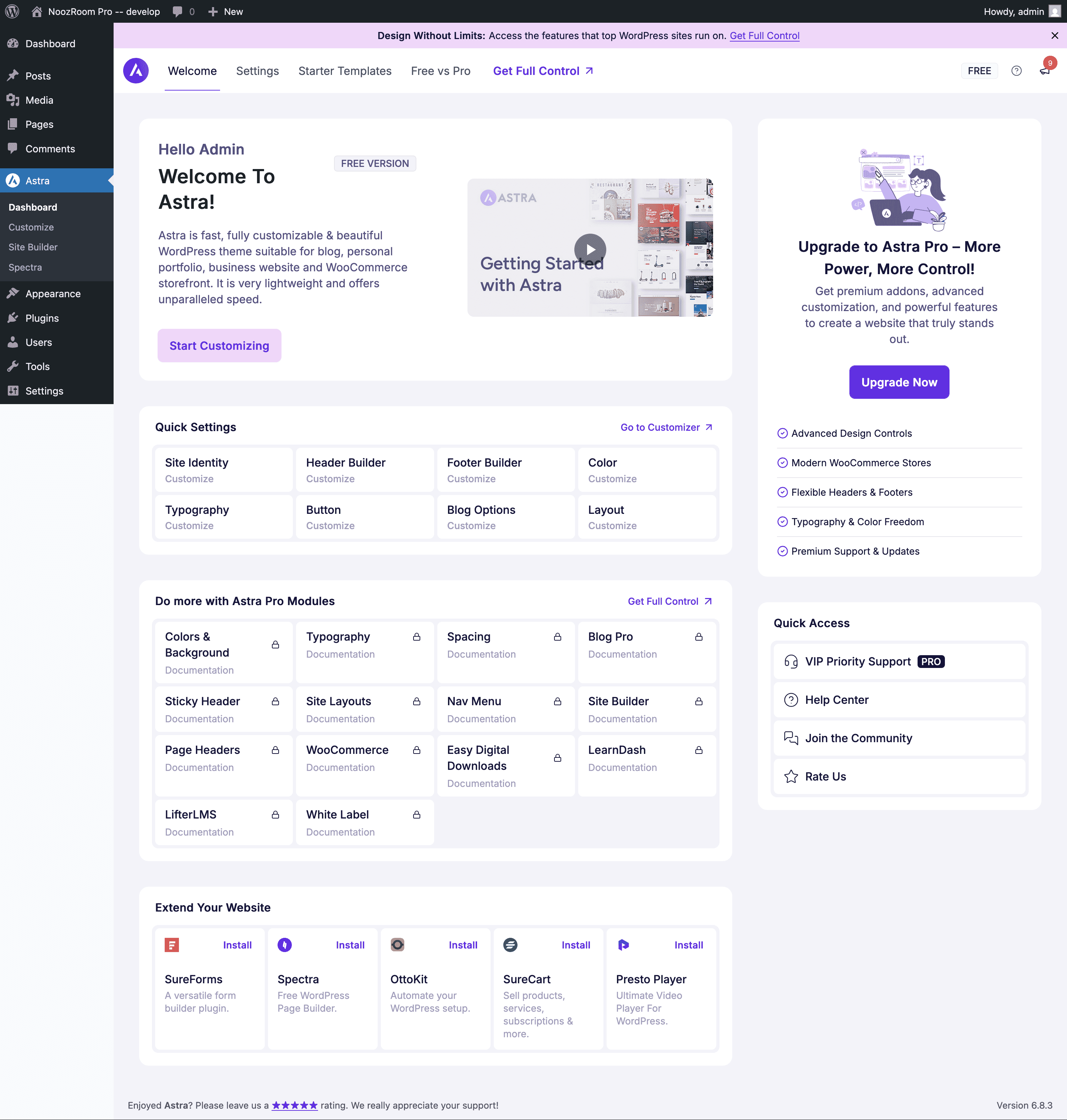
Astra does it as well:
Note - Let users know that while they’re in the Playground, the can install and activate a different theme to see how Noozroom looks as well as upload their own images.